Agile
Plan the backlog, organize sprint work and follow issues across the board. Review velocity, burndown and cycle time alongside retrospectives and planning poker.
Your business, connected to intelligence.
One place for your projects, customers, finances and team.
AI with the context to turn questions into progress.
THE CONNECTED PLATFORM
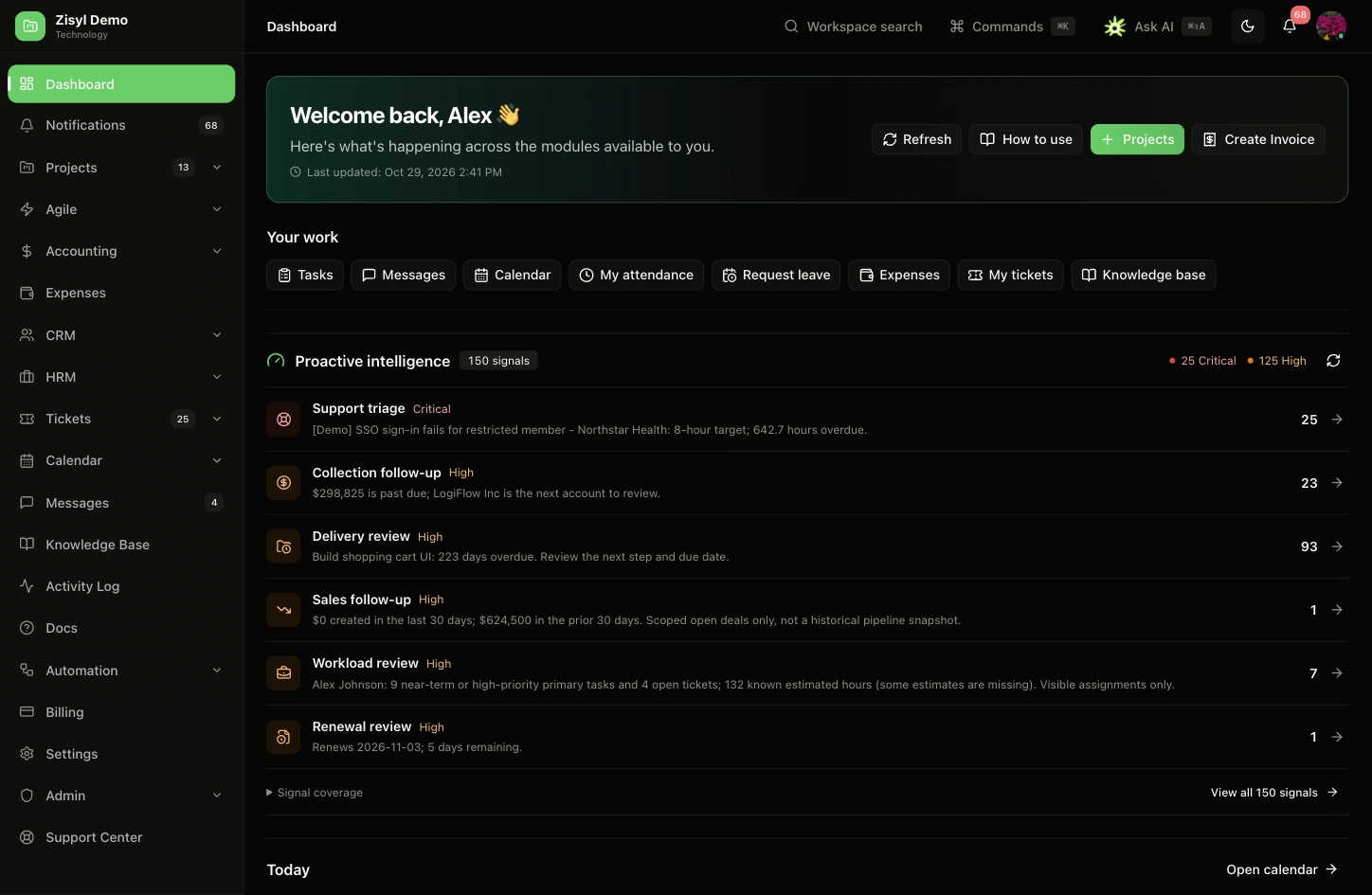
Less switching between tools. More context for the work in front of you.
Connect project plans, sprint delivery and team conversations. See what is on track and what needs a decision.
THE WORK BETWEEN THE MODULES
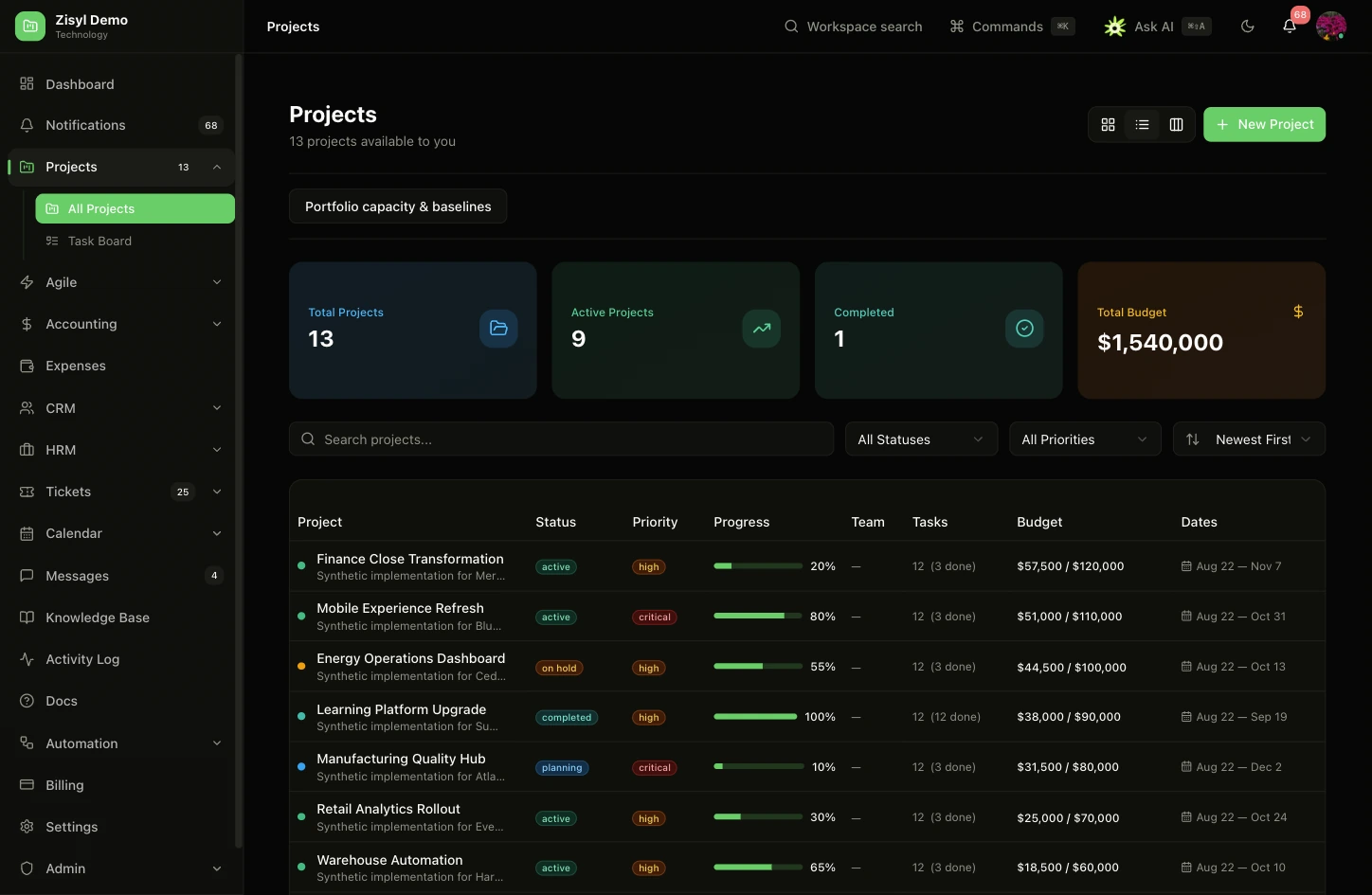
From sprint planning to the next conversation, keep the work connected.
Plan the backlog, organize sprint work and follow issues across the board. Review velocity, burndown and cycle time alongside retrospectives and planning poker.
Bring direct messages, channels and project conversations together. Share files, follow threads and revisit meeting recaps without losing the context.
Plan events, invite participants and prepare for meetings with relevant workspace context. Keep personal to-dos and notes alongside the schedule.
Manage ticket queues, assignments and priorities. Track service-level targets, use reply macros and review customer satisfaction with the history behind each issue.
Write rich articles, link project documentation and control who can read or edit. Bring relevant knowledge into search and grounded Ask AI responses.
Build workflows around triggers, conditions and actions. Test before enabling, review approvals and use execution history to understand what happened.
Manage requisitions and purchase orders, record receiving and review three-way matching. Keep vendor, order and bill information connected to accounting.
Search workspace evidence, explore outcomes and prepare actions with your access controls applied. Review sources and approve changes before they are submitted.
INTELLIGENCE IN CONTEXT
Ask AI brings your workspace context into the conversation, so an answer can become a useful draft, a clearer plan or an action you approve.
Find relevant records, conversations and knowledge.
Surface risks, follow-ups and unanswered questions.
Review prepared actions with your permissions applied.
What needs my attention before the product launch?
The launch plan has two overdue tasks and a QA dependency to resolve. Review the handoff with the project owner before changing the launch date.
A CONNECTED START
Connect supported services and bring existing records into Zisyl. Build on the systems your business already uses.
Explore integrations & migrationsWHEREVER WORK HAPPENS
Make room for work on your terms. Use Zisyl in your browser, on your desktop or on the go.

At home on your Mac.
Release coming soonRelease updates
Your workspace, on your desktop.
Release coming soonRelease updates
Stay connected on iPhone.
Release coming soonRelease updates
Keep work close, wherever you go.
Release coming soonRelease updatesCONTROL COMES STANDARD
Company, role and record-level controls shape what each person can see and do.
Audit trails and approval steps bring visibility to important changes and AI actions.
Workspace boundaries help keep each organization’s records and conversations separate.
MAKE YOURSELF AT HOME
Practical guides for the people setting up the workspace and the teams making it their own.
Zisyl connects projects, CRM, accounting, people operations, support and collaboration in one AI workspace. Teams can work across shared records, conversations and workflows.
Ask AI uses the workspace context available to your account to answer questions and prepare actions. Permissions and approval requirements apply to the tools it uses.
The migration center and integrations help you connect supported systems and import records. Available connectors and migration coverage vary by source; review the migration guide for your current platform.
Administrators can configure supported AI providers. Desktop users can also connect a personal Ollama or compatible API for independent chat. Personal desktop chat does not currently execute workspace tools.
Zisyl has web, macOS, Windows, iOS and Android applications. Platform features can differ. Published installers and store listings will appear in the Apps section as releases become available.
Subscription and usage details are available in workspace billing. Contact the team to discuss your organization, required modules and rollout.
YOUR NEXT CHAPTER
Your team. Your context. Your Zisyl.